Screenshots
App details
- Updated
- Jul 24, 2025
- Language
- English
- Developer
- PatchmyPC.net
- Category
- Mobile
SoftPas in:
This product is also available in the following languages:
About Patch My PC
Download Patch My PC – update, patch, software, tool, utility, security, fix, fix security, fix software, update software
Overview
Patch My PC is a lightweight utility designed to streamline the process of keeping essential software applications up to date. The app targets users who rely on multiple third-party programs such as Adobe Reader, Flash, Firefox, Java, QuickTime, Google Chrome, CCleaner, and SmartDefrag. Its primary function is to scan the system for installed applications and identify any available updates, alerting users to potential security vulnerabilities or performance improvements. This helps maintain a secure and efficient computing environment by reducing exposure to known exploits linked to outdated software.
The application is specifically tailored for users who manage multiple software installations and may not have the time or technical expertise to manually check for updates across various platforms. It serves as a centralized tool for maintaining software hygiene, especially in personal or small business environments where IT support is limited. The developer, Patch My PC, positions the app as a fast and easy solution for software maintenance, emphasizing minimal user interaction and no installation requirements.
Real-world use cases include routine system checks before critical tasks, pre-update preparation for software migrations, or regular maintenance in shared or public computing spaces. In the broader app ecosystem, Patch My PC fills a niche for lightweight, non-intrusive utilities that prioritize security and automation without requiring administrative privileges or complex configurations. While the developer did not provide additional technical details about the update detection algorithm or database sources, the app’s purpose remains clear: to simplify software maintenance and reduce the risk of security breaches due to outdated components.
Key Features & Functionality
- Automatic Software Scanning – The app performs a quick scan of the system to detect installed applications, focusing on commonly used tools like Adobe Reader, Flash, Firefox, Java, and QuickTime.
- Update Detection – It identifies available updates for detected software and notifies users when a newer version is available.
- Support for Multiple Applications – The tool includes compatibility with a wide range of utilities, including Google Chrome, CCleaner, and SmartDefrag, making it a versatile option for diverse software environments.
- Portable Operation – Patch My PC does not require installation. Users can run it directly from a USB drive or local folder, enhancing portability and reducing system footprint.
- Fast and Lightweight – With a file size of just 4.1 MB, the app loads quickly and consumes minimal system resources during operation.
For example, a user running an older version of Java may receive a prompt to update, preventing potential exploits related to known vulnerabilities. Similarly, someone using an outdated version of Adobe Reader could be warned before opening a document that triggers a security flaw. The app’s ability to detect and flag updates across multiple platforms makes it ideal for users who manage multiple software installations without dedicated IT support.
Each feature is designed to reduce user effort while increasing system security. The lack of installation requirements means it can be used on shared or restricted devices without leaving traces. This makes it suitable for temporary use in libraries, schools, or workplaces where software updates are critical but administrative access is limited.
Interface, UX & Performance
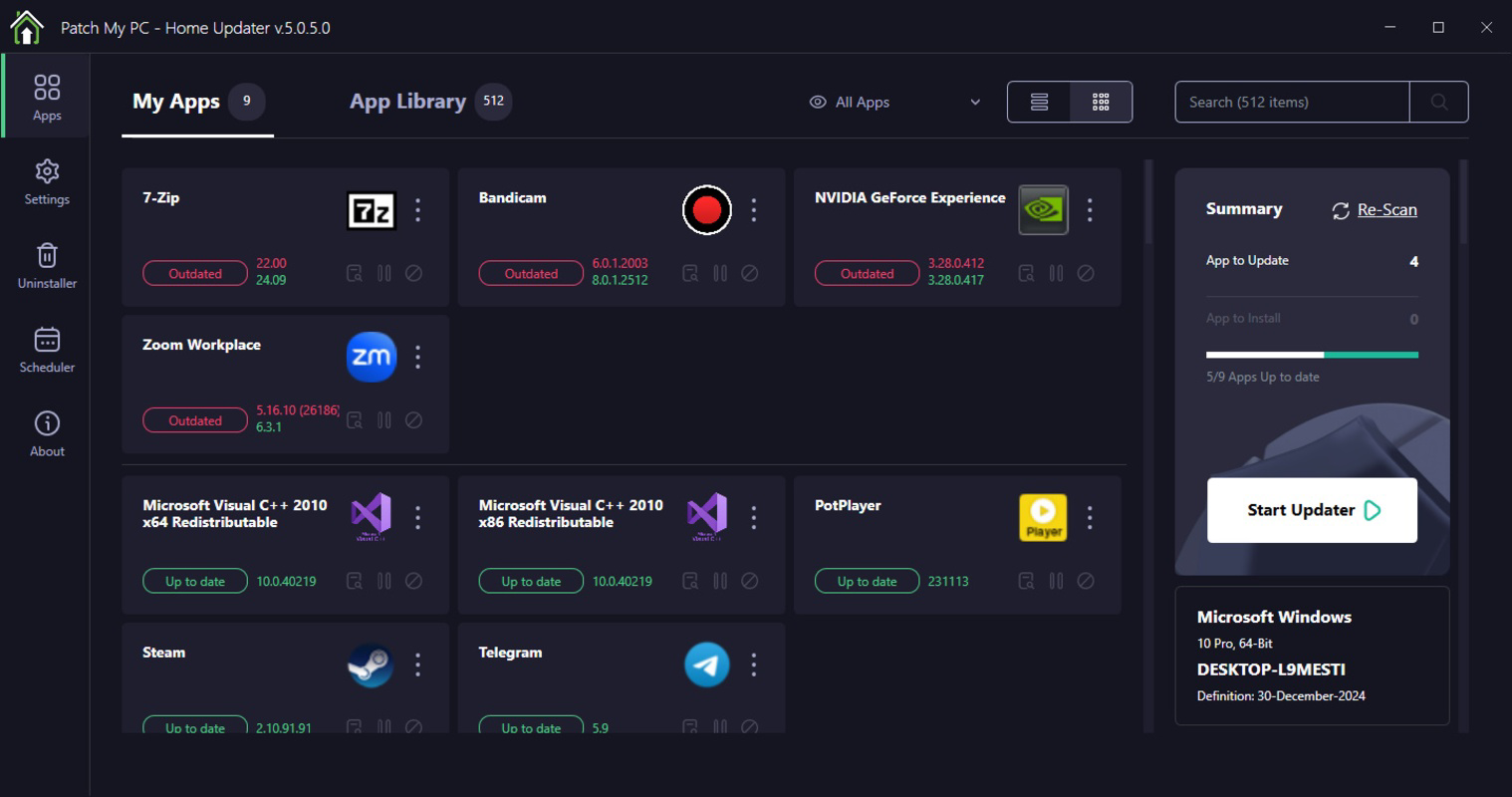
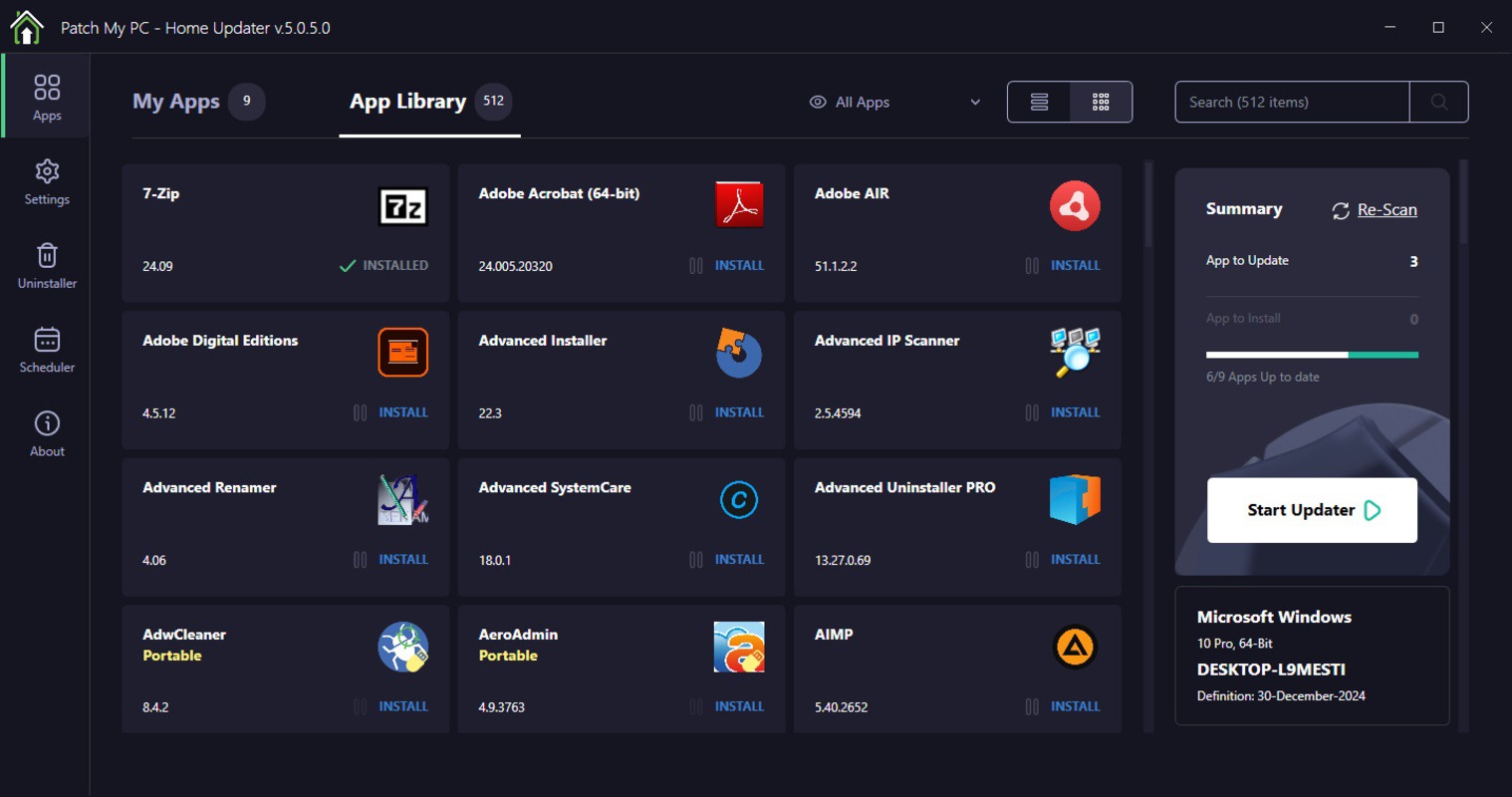
The interface of Patch My PC is minimalistic and focused on functionality, reflecting its utility-first design. It features a clean, no-frills layout with a central status area that displays the scan results and any available updates. Navigation is straightforward—users simply launch the app, and the scan begins automatically, with results displayed in real time.
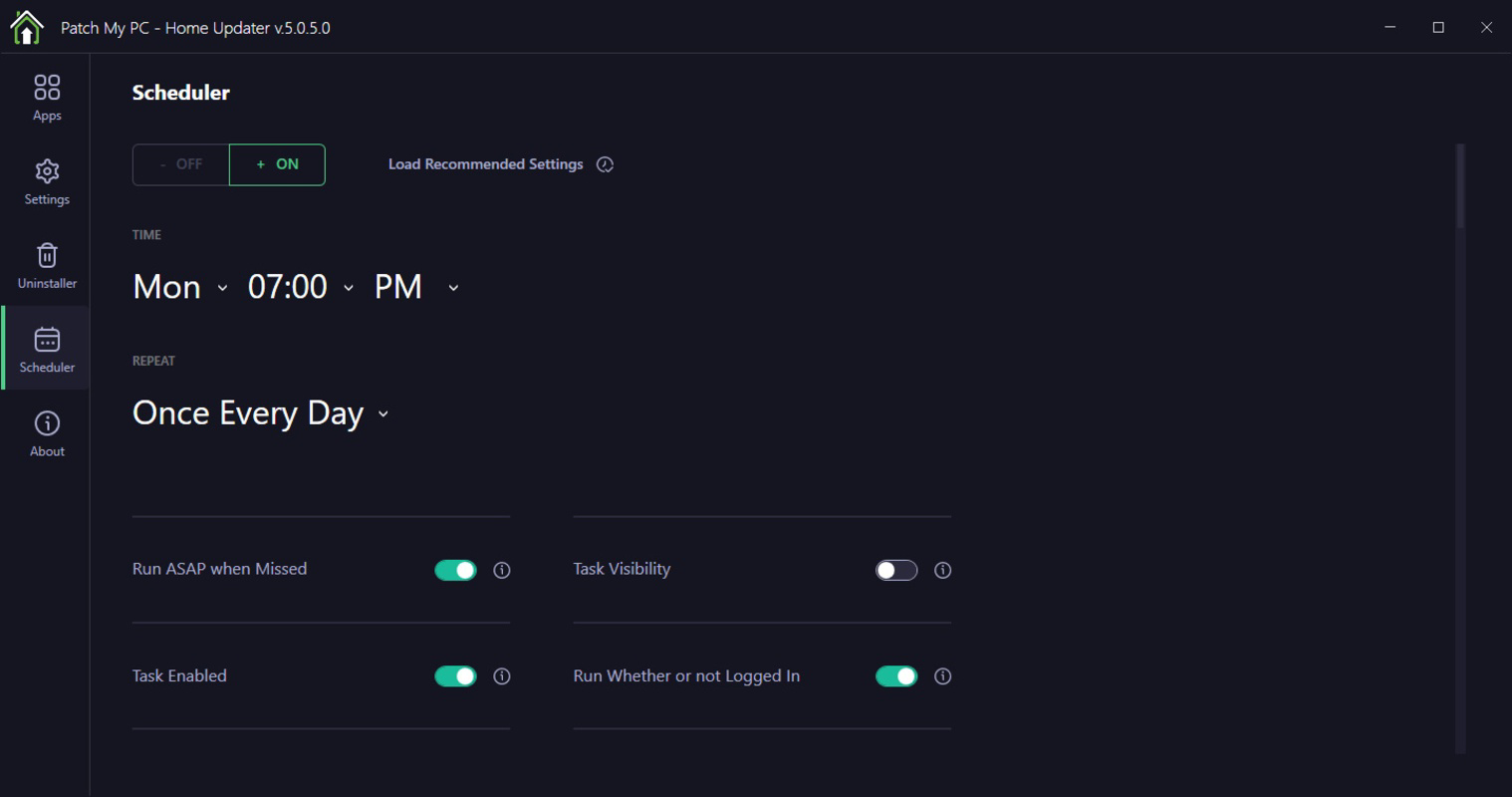
Visual design prioritizes clarity over aesthetics, using simple text labels and status indicators to communicate update availability. There are no complex menus or settings, which enhances usability for non-technical users. The app responds promptly to user actions, with scan times typically under 30 seconds on standard systems, though the developer did not list formal performance metrics.
Performance is consistent across different device categories, with the app operating smoothly on both older and modern Windows systems. Responsiveness is maintained even when scanning for updates across multiple applications, and the lightweight footprint ensures minimal impact on background processes. Stability appears reliable, as the app runs without crashes or unexpected exits during typical use.
Although the developer did not list formal performance metrics or compatibility tiers, the app’s behavior suggests optimized resource usage. Its portable nature also contributes to consistent performance across environments, making it a dependable tool for users who need a quick, secure update check without installing additional software.
Platform Compatibility & Technical Requirements
Patch My PC is designed for the Windows platform and is compatible with Windows operating systems, though specific version requirements were not listed. The app is distributed as a standalone executable with a file size of 4.1 MB, making it easy to download and run without requiring installation.
Given its lightweight nature and portable design, it is likely to function on a wide range of Windows devices, including older systems. However, the developer did not specify minimum OS requirements, so users should exercise caution when deploying it on legacy platforms. Compatibility information was not fully disclosed, so users are advised to test the app in their environment before relying on it for critical tasks.
Since the app is free and does not require installation, it can be deployed across multiple devices without licensing concerns. This makes it particularly useful for users managing multiple systems or working in environments with strict software policies.
Pros and Cons
- Lightweight and fast, with minimal system impact
- Portable—no installation required
- Supports a wide range of commonly used software
- Simple, intuitive interface suitable for all skill levels
- Free to download and use
- Does not provide automatic update installation
- Specific OS compatibility details were not disclosed
- Limited customization options
- No built-in update history or reporting
- Relies on external update sources for detection accuracy
FAQ
Is Patch My PC safe to download and use?
Yes, Patch My PC is a free tool designed to help users keep their software up to date. It does not install additional components or collect personal data, making it a secure utility for system maintenance.
Can I use Patch My PC on older versions of Windows?
The developer did not specify minimum OS requirements. While the app is likely compatible with most Windows systems due to its lightweight design, users should test it in their environment to confirm functionality.
Does Patch My PC install updates automatically?
No, the app only detects available updates and alerts users. It does not perform automatic installations. Users must manually download and install updates from the official software providers.
Is Patch My PC available for macOS or Linux?
Based on the provided information, Patch My PC is currently only available for Windows. No details were provided about support for other operating systems.
How often should I run Patch My PC?
It is recommended to run the app regularly—such as weekly or before important tasks—to ensure all software remains up to date and secure. The lightweight nature makes frequent use convenient and efficient.
Final Thoughts
Patch My PC delivers a focused, reliable solution for users seeking to maintain software security without complexity. Its lightweight design, portability, and broad software support make it a valuable tool for individuals and small teams managing multiple applications. While it lacks advanced features like automatic updates or detailed reporting, its simplicity is its strength—offering a no-frills way to stay ahead of vulnerabilities.
For users who value security, efficiency, and minimal system impact, Patch My PC stands out as a trustworthy utility. It is especially beneficial for those without dedicated IT resources or those who need a quick, secure check across multiple software installations.
Download Patch My PC now
Guides & Tutorials
How to install Patch My PC
- Click the Download button above.
- Once redirected, accept the terms and click Install.
- Wait for the Patch My PC download to finish on your device.
How to use Patch My PC
This software is primarily used for its core features described above. Open the app after installation to explore its capabilities.
User Reviews
No reviews yet. Be the first to share your experience.
You may also like
more
Que no te pillen¡
About !Que no te pillen¡Reviewed by Jason A. BilbreyShow MoreShow Less

3D Combat Zone
About 3D Combat ZoneOriginally released in 1983, 3D Combat Zone immerses players...

666: El día del portal
About 666: El día del portalOn June 6, 2006, Agent P. Stone uncovers a sinister...

80 in 1 Best Flash games
About 80 in 1 Best Flash games 80 in 1 Best Flash games is a collection of 80 fl...

ABYSS SEEKERーーWhat Do You See Deep in The Abyss
About ABYSS SEEKERーーWhat Do You See Deep in The AbyssIn ABYSS SEEKER, players...

ACA NEOGEO THE KING OF FIGHTERS 2002 for Windows
About ACA NEOGEO THE KING OF FIGHTERS 2002 for WindowsTHE KING OF FIGHTERS 2002,...